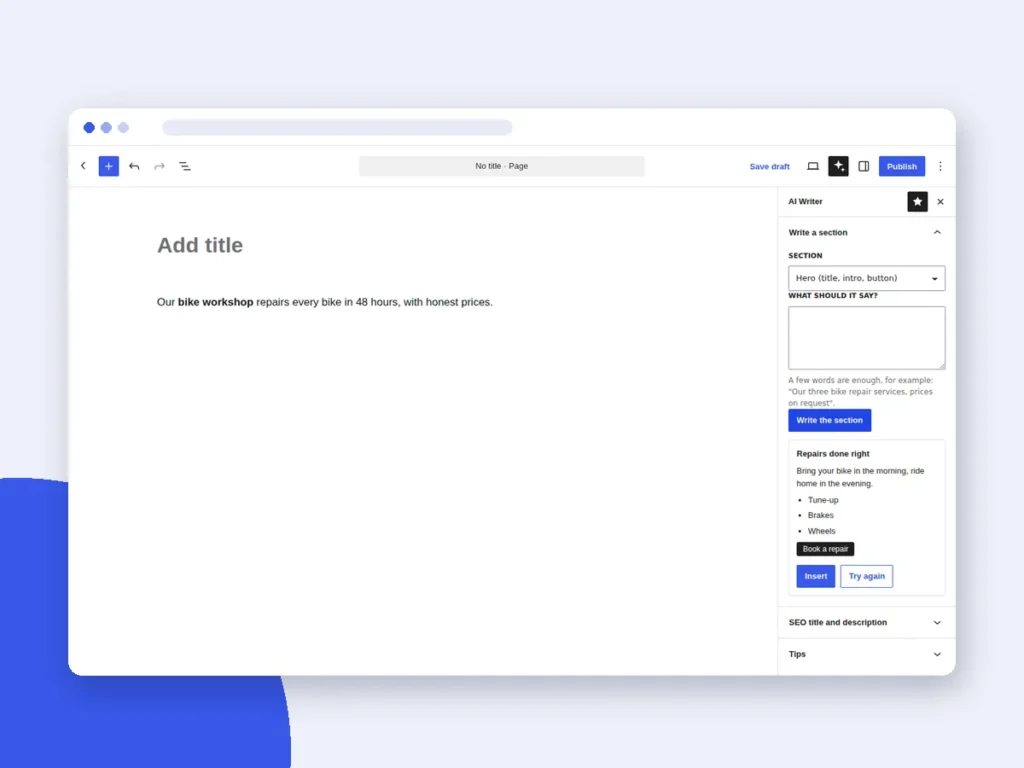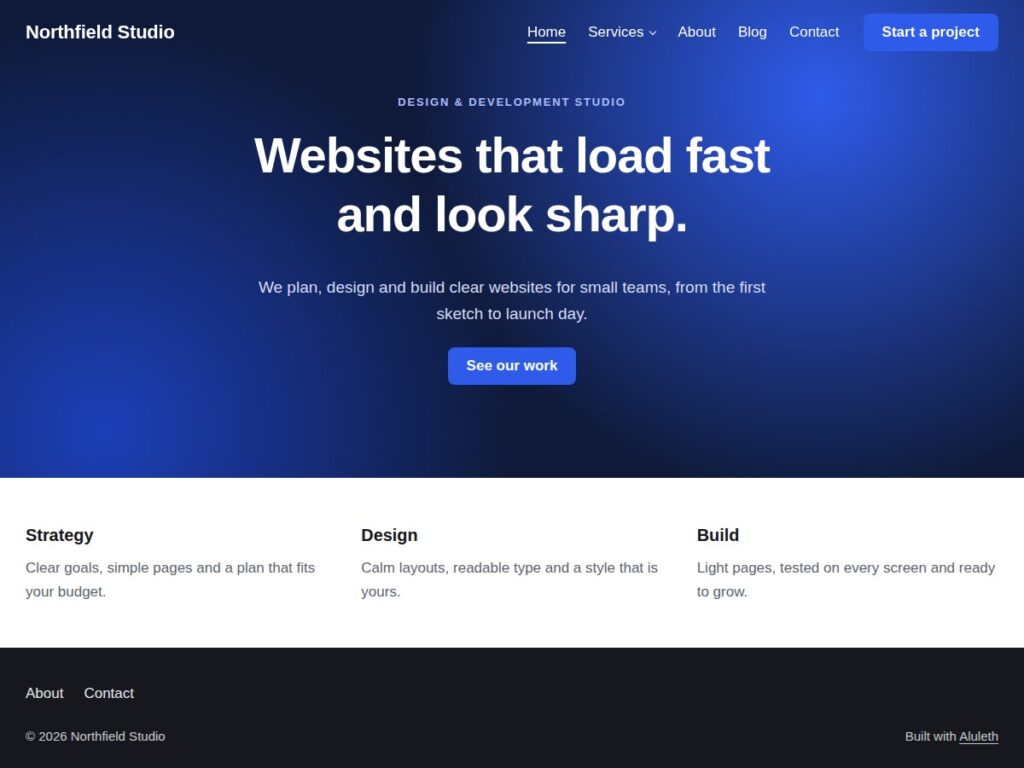



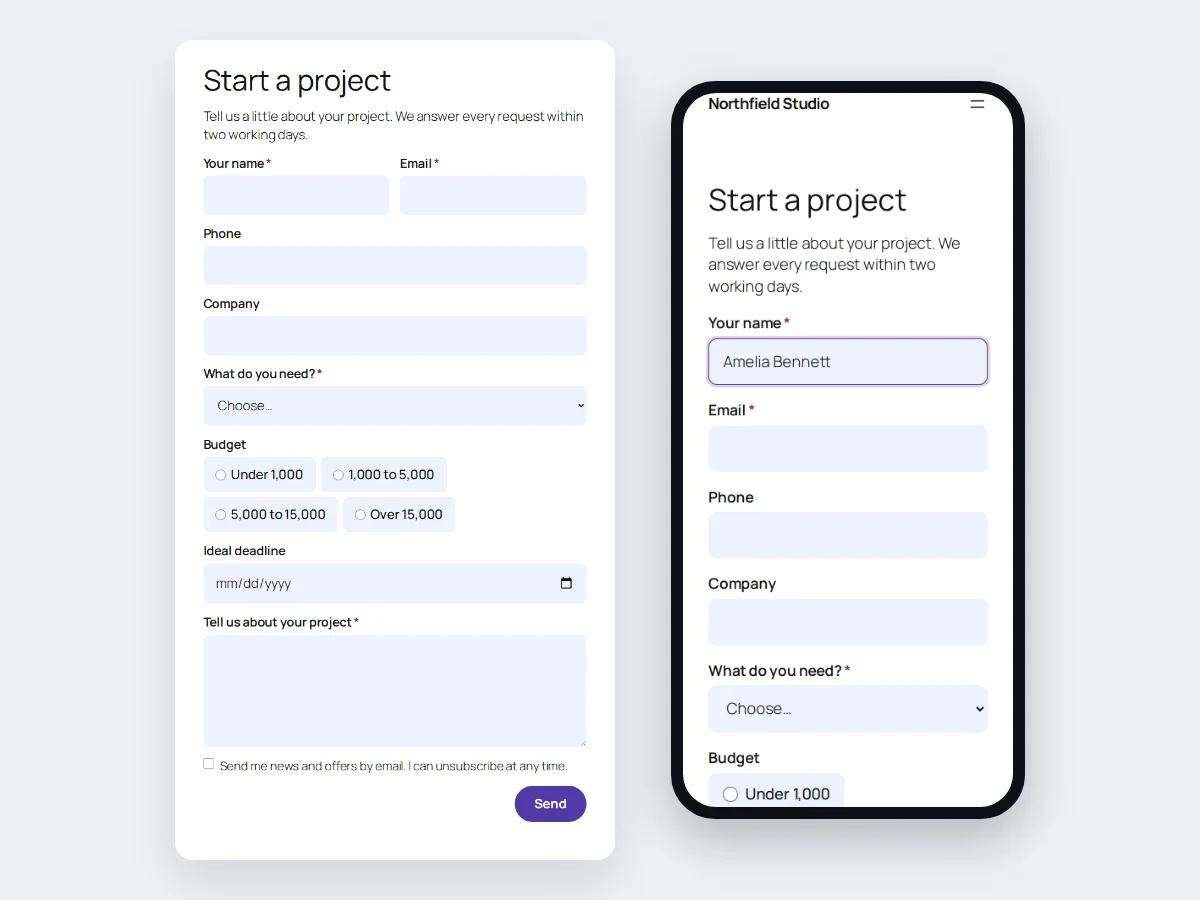
Aluleth Forms is a form builder made to look good on your site from the first minute and to stay light. Build contact, quote, booking or newsletter forms, follow every entry on a board, and send people to the email tools you already use.
See it in action



What it does
- A visual builder that shows the real form: drag fields, change labels and widths in place, add steps and conditional logic, check the phone view
- Start in seconds from nine designed templates, or describe the form you need and Aluleth AI Writer builds a draft for you to review
- Matches your site: the button takes one of your site’s own colours (theme.json or Elementor), with your corners and your fonts
- Labels above, beside or inside the fields, your own validation messages, and a weekly email summary of your forms
- Very light: one small stylesheet and one small script, only on pages that show a form, no jQuery. Works without JavaScript too
- Spam protection built in, plus Cloudflare Turnstile, hCaptcha, reCAPTCHA, CleanTalk and Akismet if you want them. Suspicious entries are kept aside, never lost.
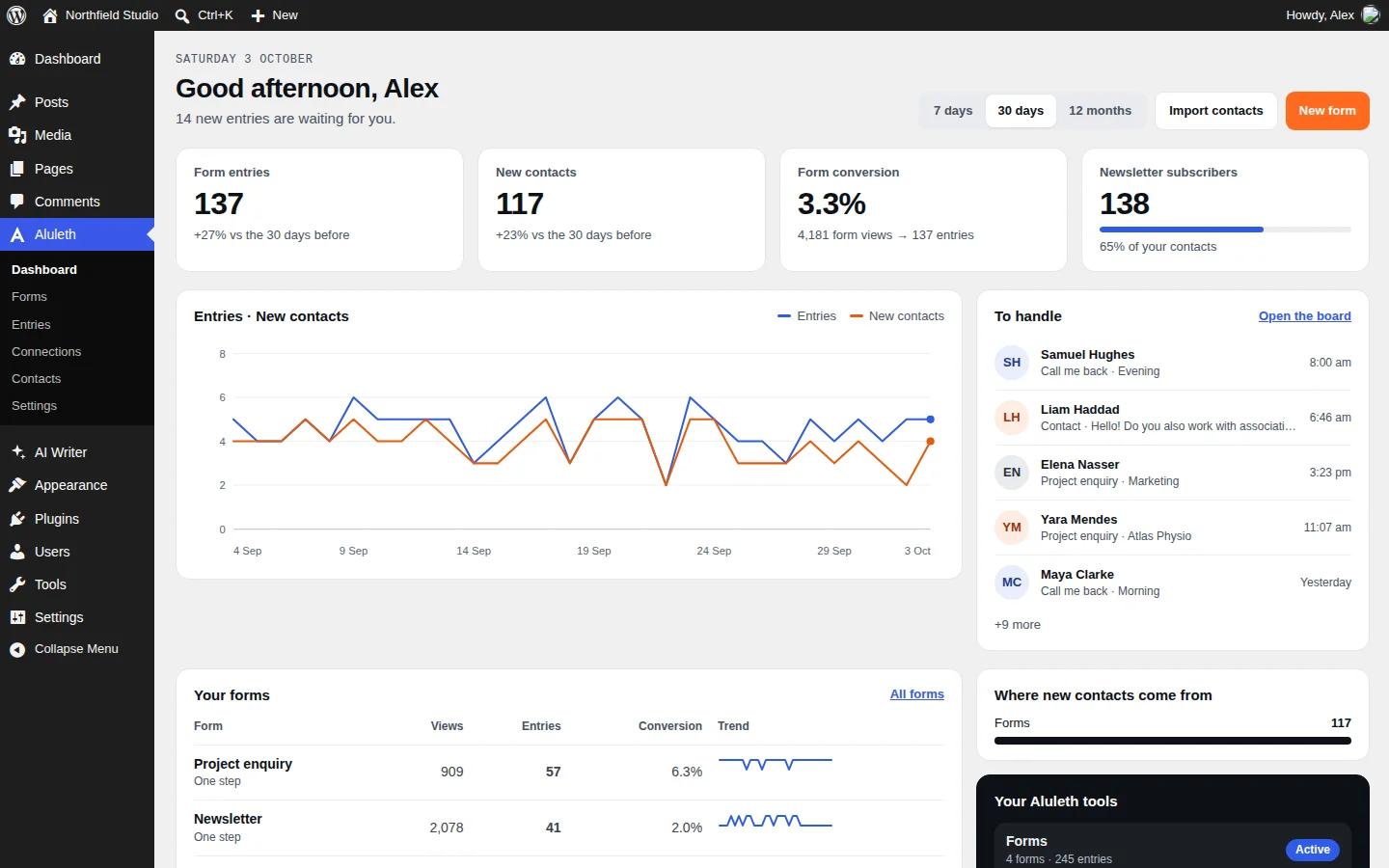
- Every entry on a board with your own columns (New, Quote sent, Won…), with notes for your team, a list view and a CSV export
- Team access: choose what editors, authors or shop managers can do, from creating forms to seeing entries and contacts
- One contact per person, with their history and their newsletter consent recorded. Bring your existing list from a CSV or ZIP export
- Send each entry to Mailchimp, Brevo, MailerLite, Kit, MailPoet, FluentCRM, or to Zapier, Make and n8n with a webhook
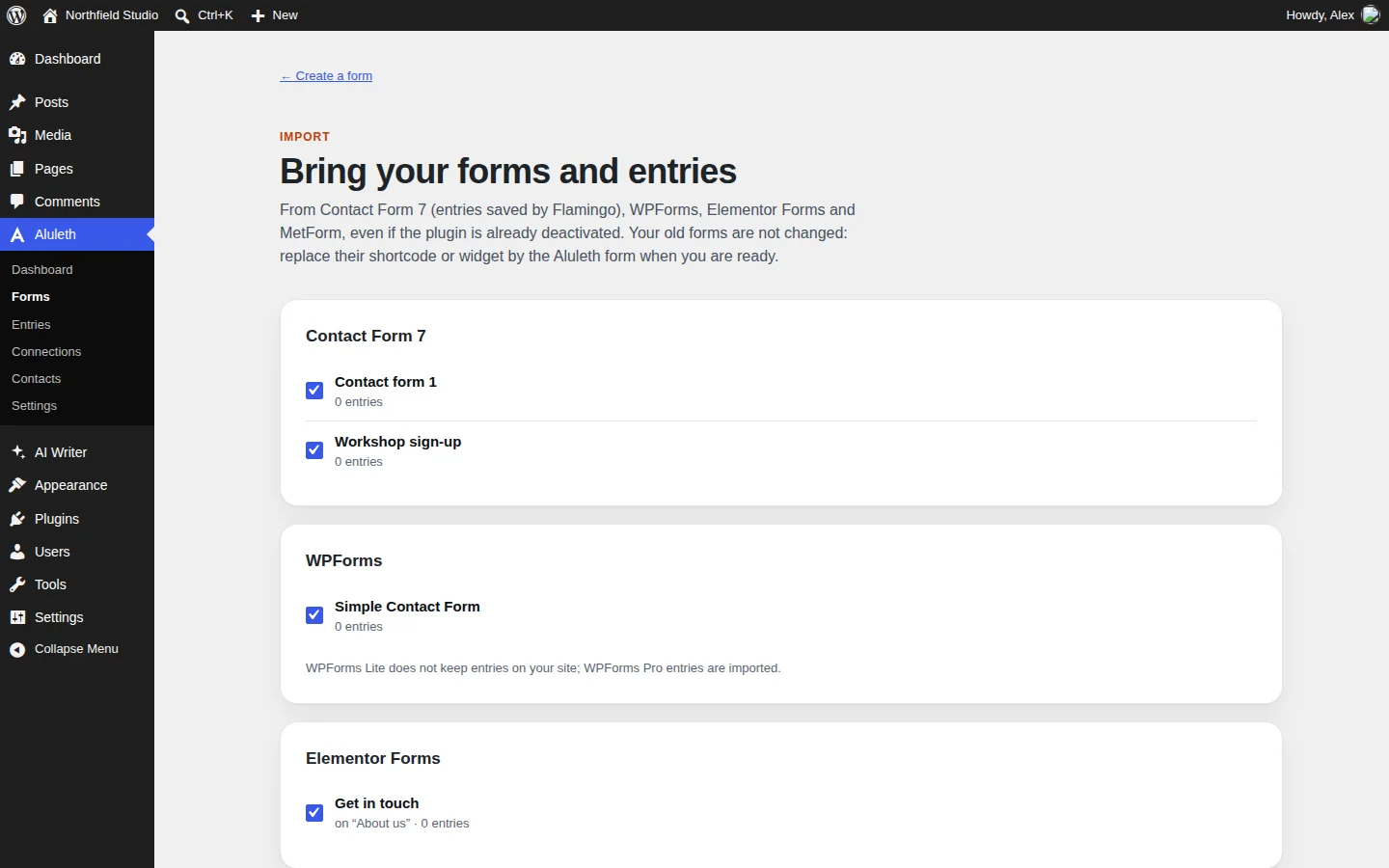
- Switch in a few clicks: import your forms and their entries from Contact Form 7, WPForms, Elementor Forms and MetForm
- A block, an Elementor widget and a shortcode for any other page builder
- AI agents, off by default: let an AI assistant connected to WordPress (MCP) read your forms and numbers and create draft forms for you to review
What you need
- WordPress 7.0 or later and PHP 7.4 or later
- Optional: the free Aluleth AI Writer plugin and your own AI key, to describe a form and get a draft
Your data stays yours
Entries and contacts are stored in your own WordPress database. No IP address is stored, no cookie is set, and nothing is sent to an outside service unless you connect one. Contacts and entries work with the WordPress personal data export and erasure tools.