




Aluleth SMTP sends your site’s emails through the email service you choose, then tells you what happened to each one: delivered, bounced or marked as spam. Everything is included, for free.
Also on WordPress.org: install Aluleth SMTP from Plugins › Add New in your WordPress, and get the updates there.
See it in action




What it does
- 14 email services: SendGrid, Amazon SES, Brevo, Mailgun, Postmark, Resend, MailerSend, Mailjet, SMTP2GO, SparkPost, Elastic Email, Gmail / Google Workspace, Microsoft 365 / Outlook, and any SMTP server
- Your keys are checked with the service when you save, stored encrypted and never shown again
- A fallback service takes over when the main one fails, and simple rules choose which service sends which email: by plugin, by kind (orders and passwords, or newsletters) or by sender address
- Newsletters and campaigns go out in the background, within your service’s sending limits, with automatic retries
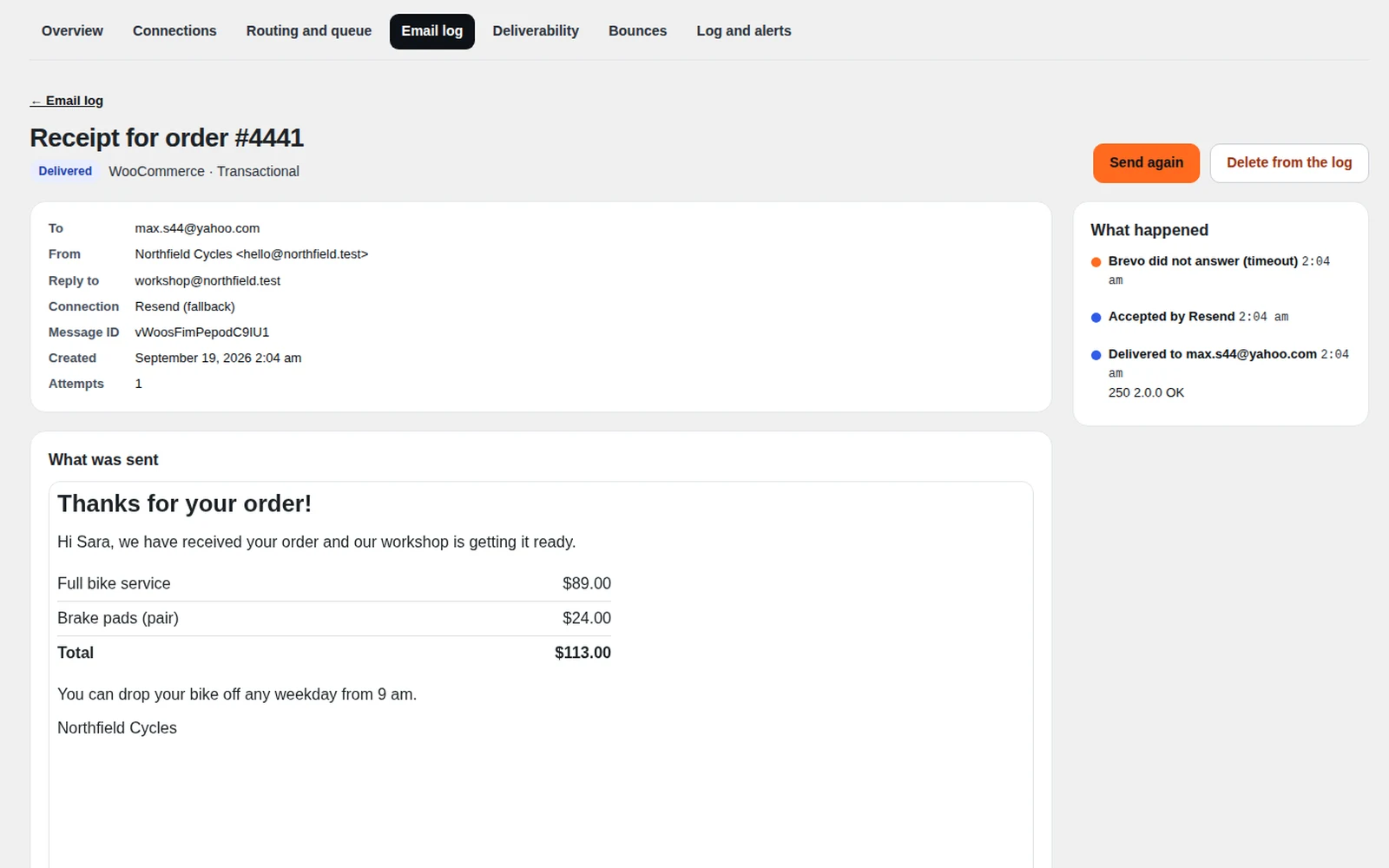
- An email log you can search, filter and export, with every step of each email. Password reset links and login codes are hidden in the log, so a leaked log cannot open an account
- Delivered, bounced and spam-reported emails come back from your service, set up in one click at Brevo, Mailjet, Resend, SendGrid, Postmark, Mailgun, MailerSend, SMTP2GO and SparkPost
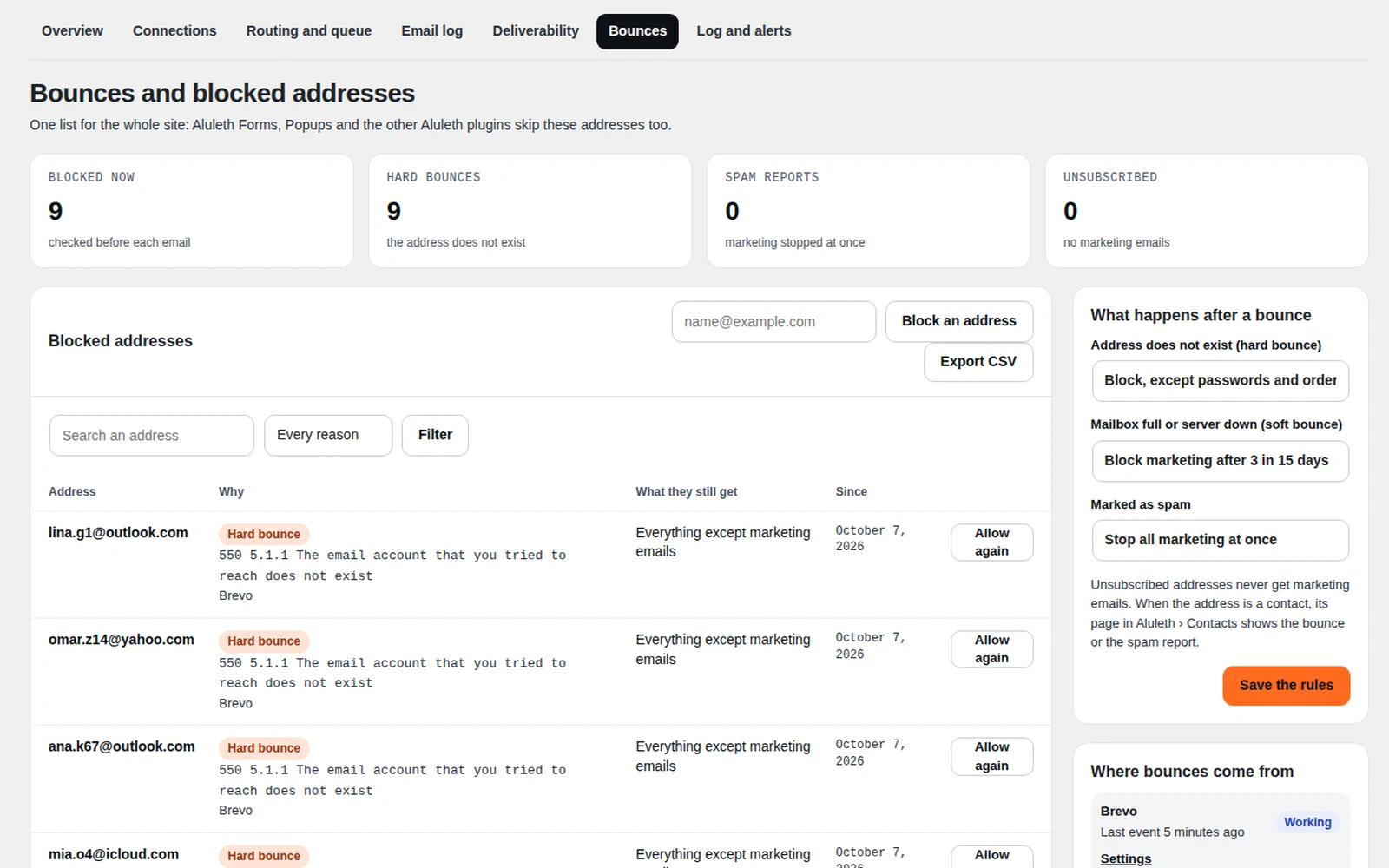
- Bounced addresses are blocked automatically with the rules you choose, in one list shared with Aluleth Forms and Aluleth Popups
- A deliverability check of your domain (SPF, DKIM, DMARC and alignment) against the rules of Gmail, Yahoo and Microsoft, with the DNS value to copy
- Alerts by email, Slack, Discord or Telegram when emails fail
- Switch in a few clicks: import your settings from WP Mail SMTP, FluentSMTP or Post SMTP
- WP-CLI commands, and the WordPress personal data export and erasure tools
What you need
- WordPress 7.0 or later and PHP 7.4 or later
- An account with one of the services (many have a free plan), your Gmail or Microsoft 365 account, or an SMTP server
Your data stays yours
Emails go only to the service you connect: nothing is sent to Aluleth. The log stays in your own WordPress database and is cleared after 30 days (90 for failed emails), or you can keep only a summary, or nothing.


